Section 02.2

Signal flow

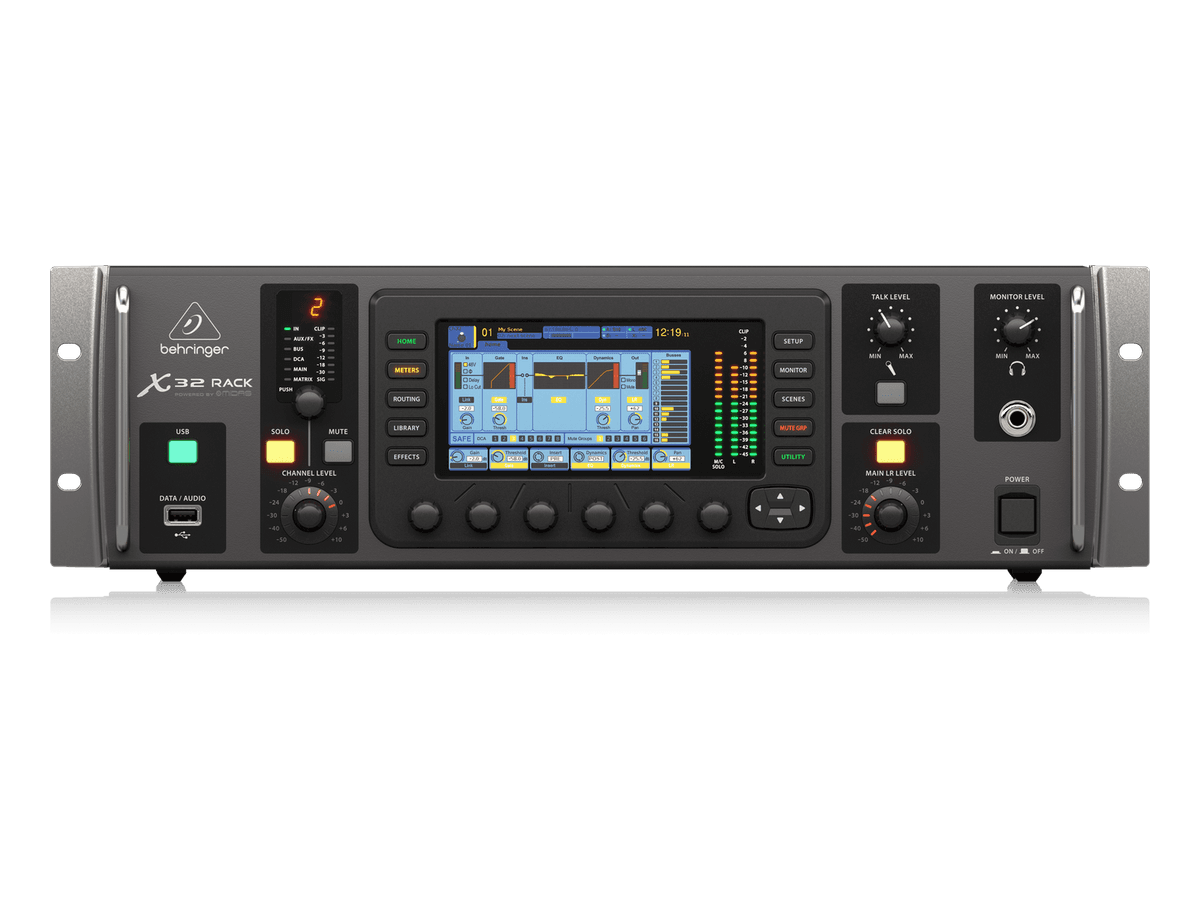
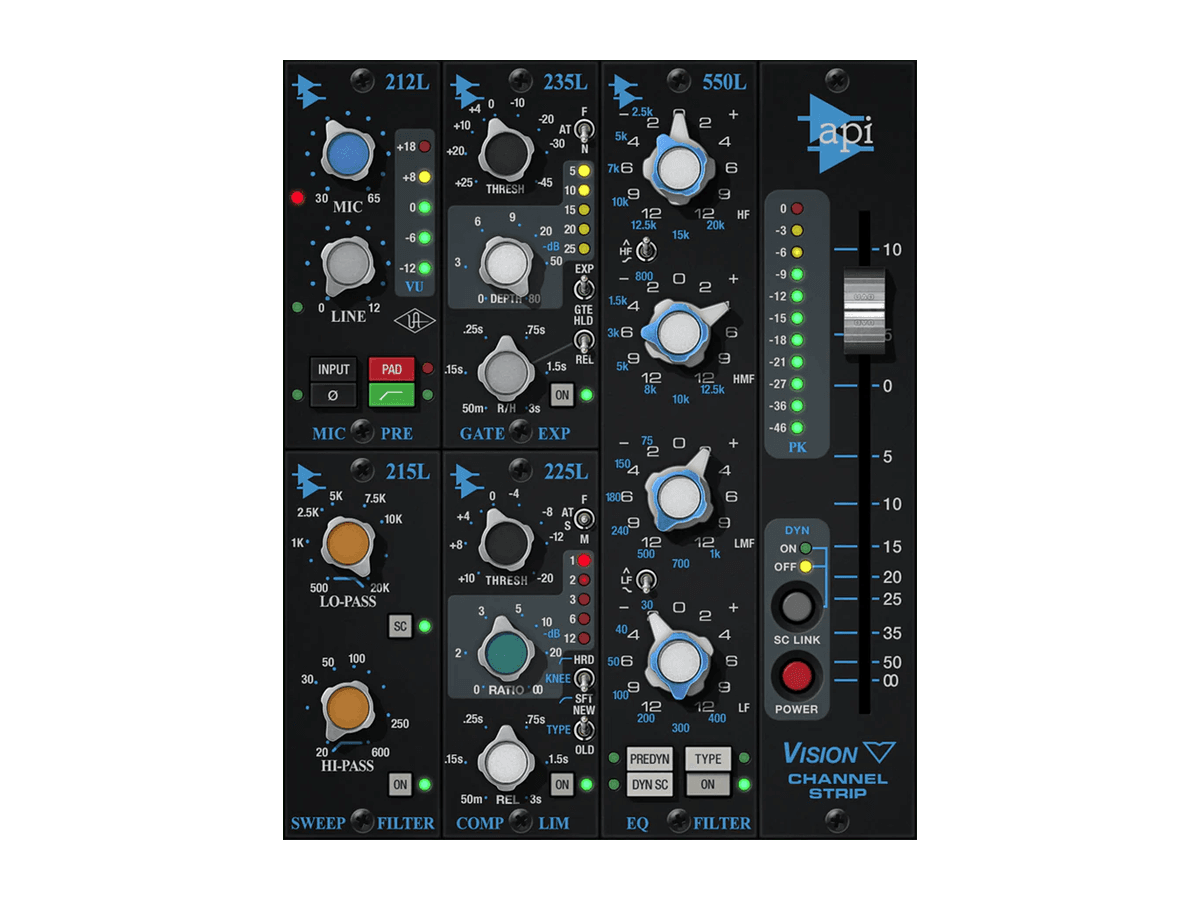
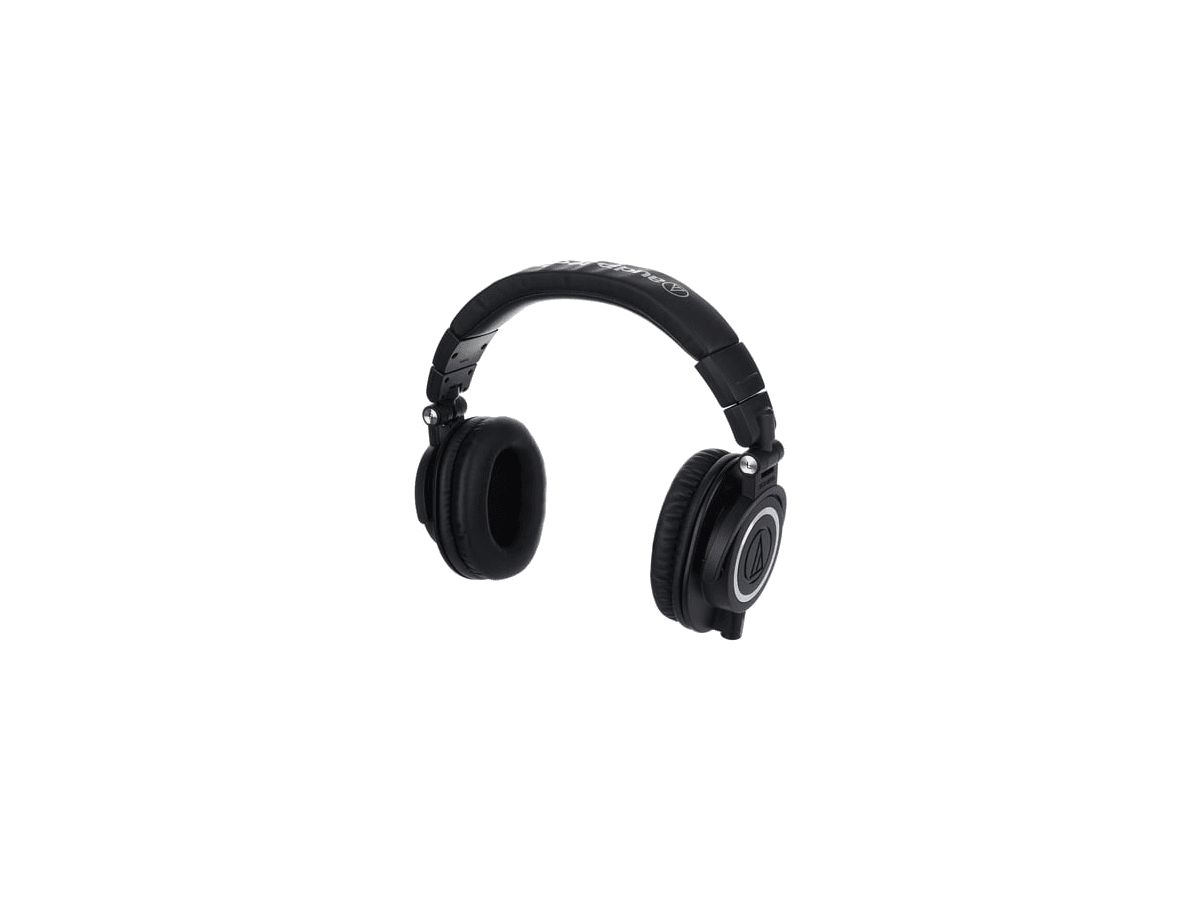
Follow the path of sound from microphone or instrument through the S16, X32, Logic Pro, UAD plugins, speakers, performer headphones, and optional monitor wedges.

Open equipment library
Click a node to learn more

Capture chain

Signal flows left to right from the source into Logic Pro.
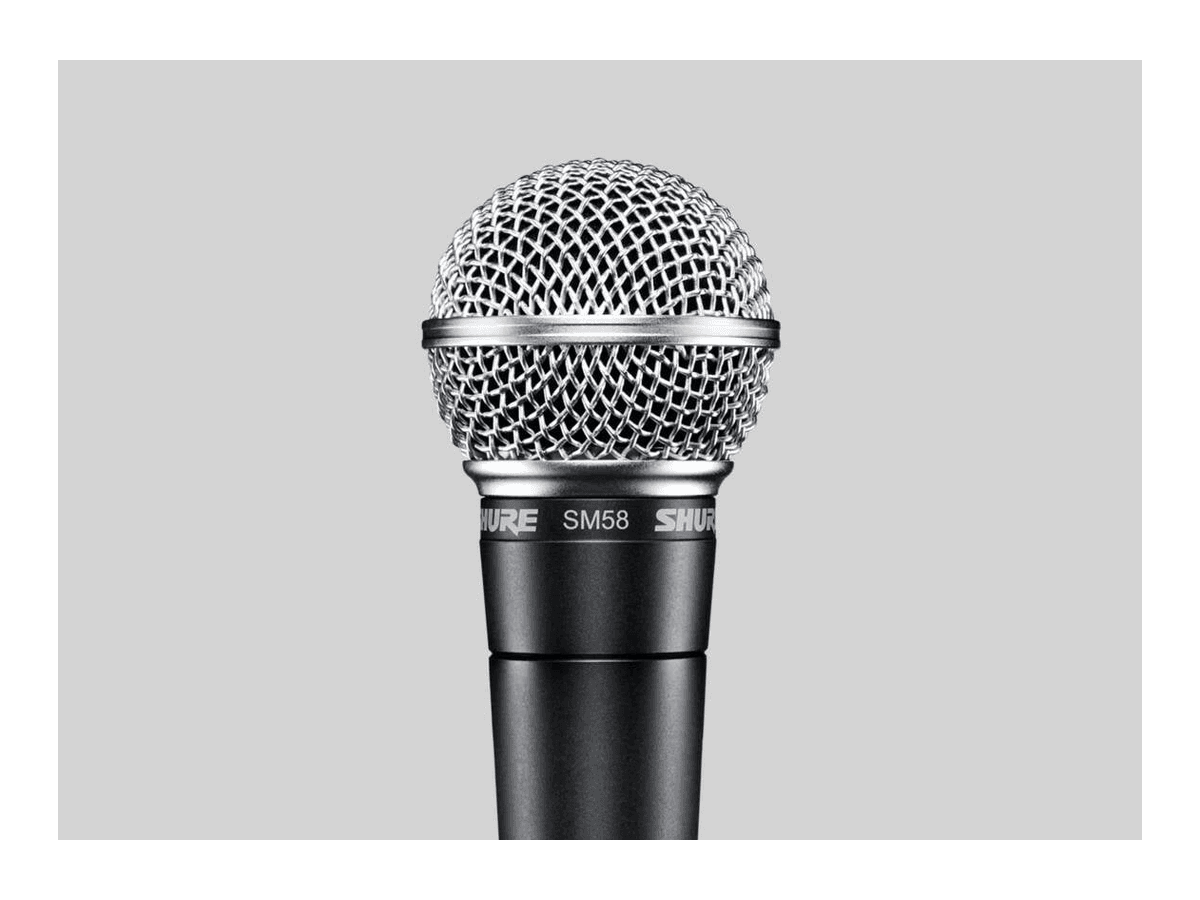
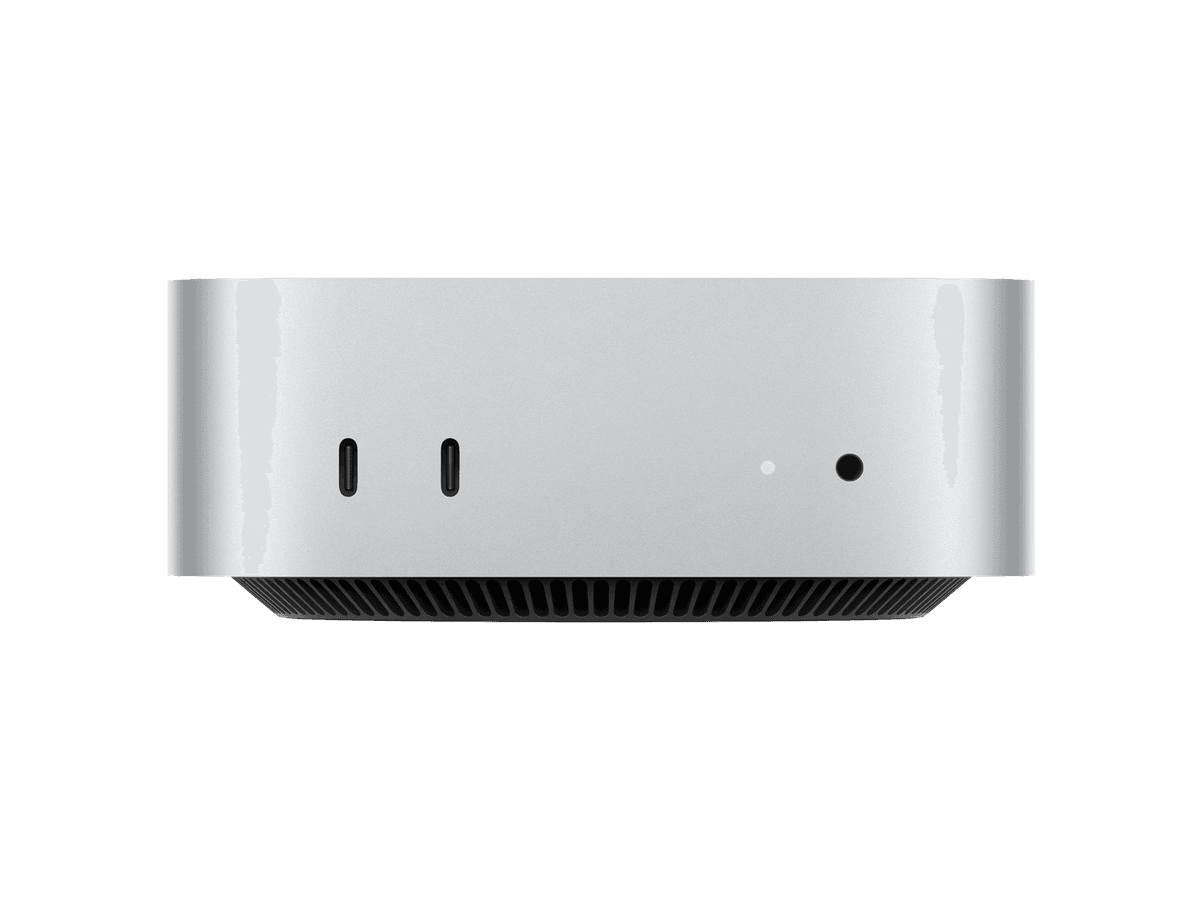
Most studio signals begin in the recording and rehearsal room, where microphones and instruments connect to the Behringer S16 stagebox. The S16 sends those channels to the X32 Rack over one Cat6 cable through the wall panel, then the X32 sends audio into the Mac mini and Logic Pro for recording.
Monitoring chain

Playback splits to control room speakers, performer headphones, and wedges.

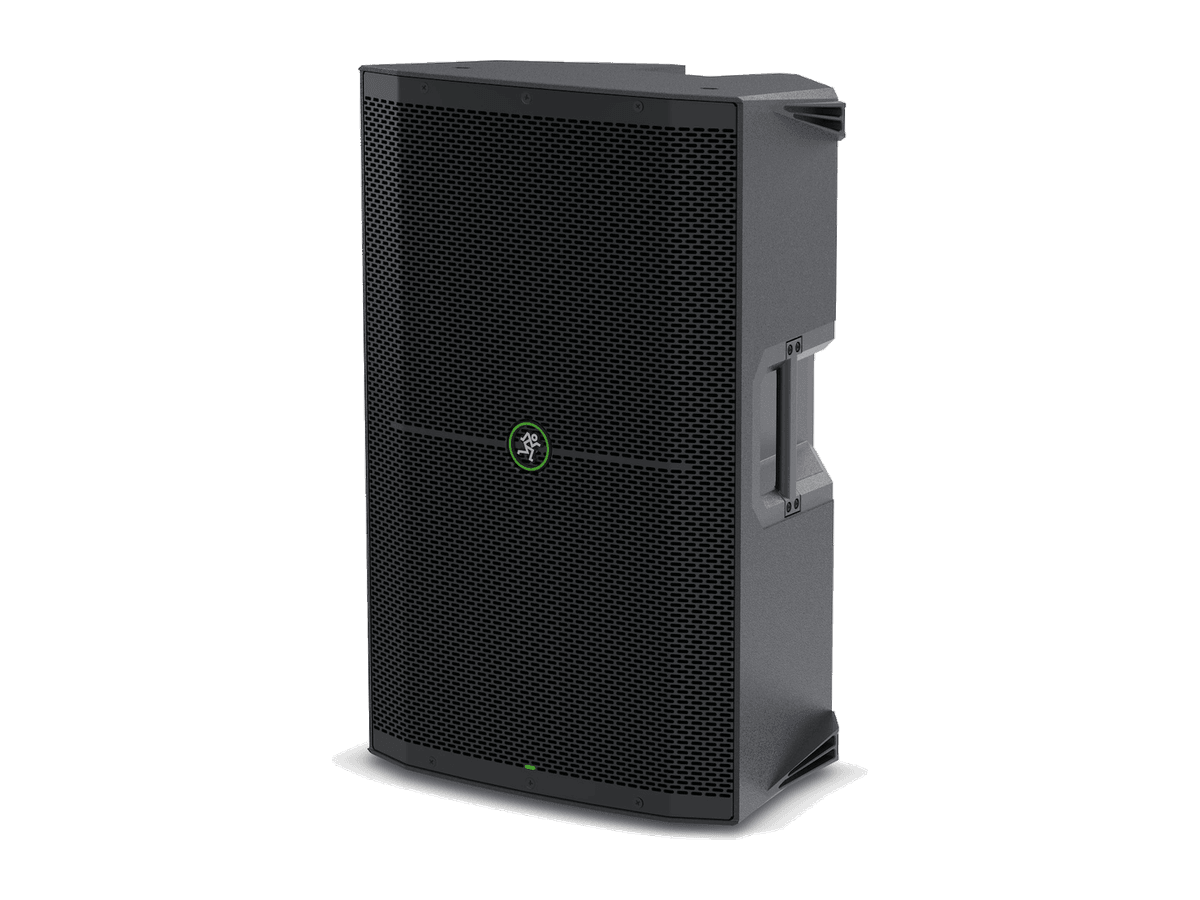
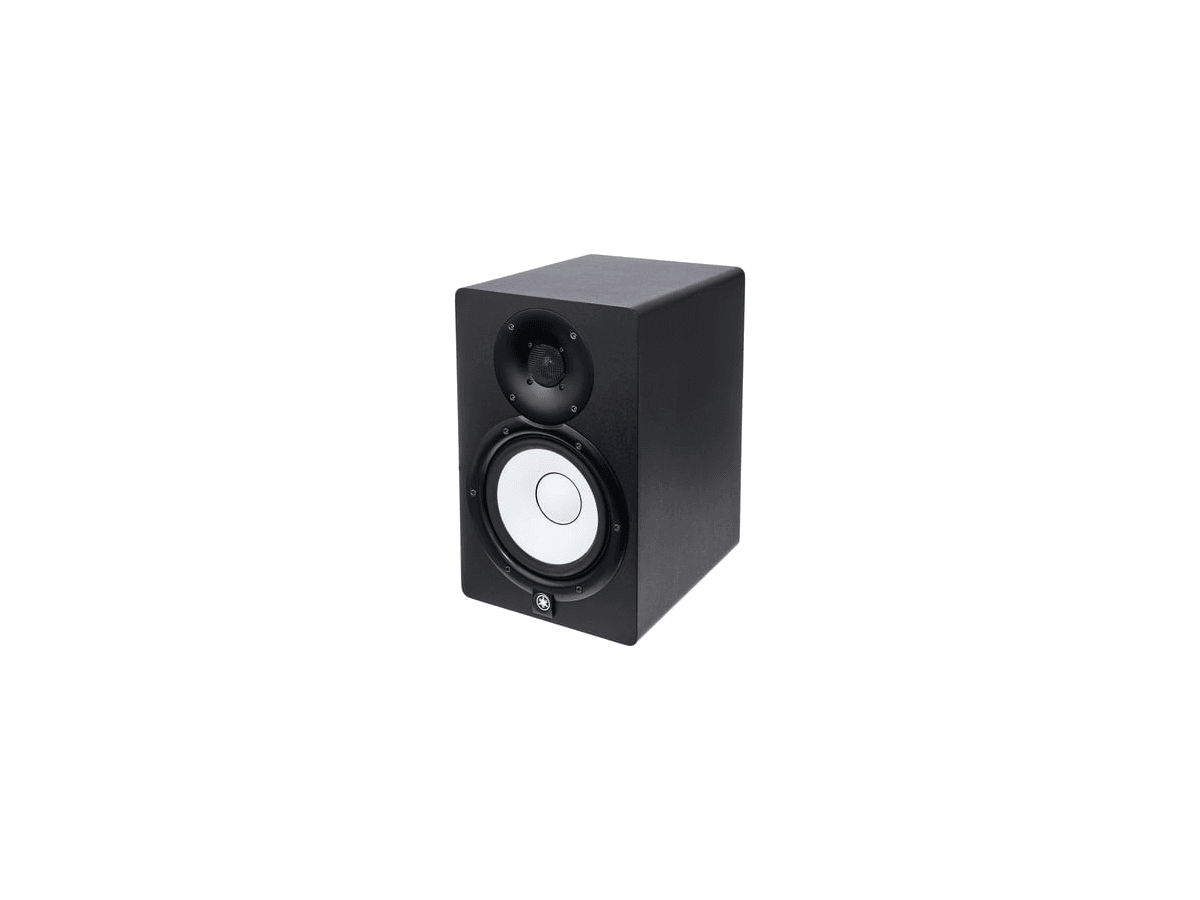
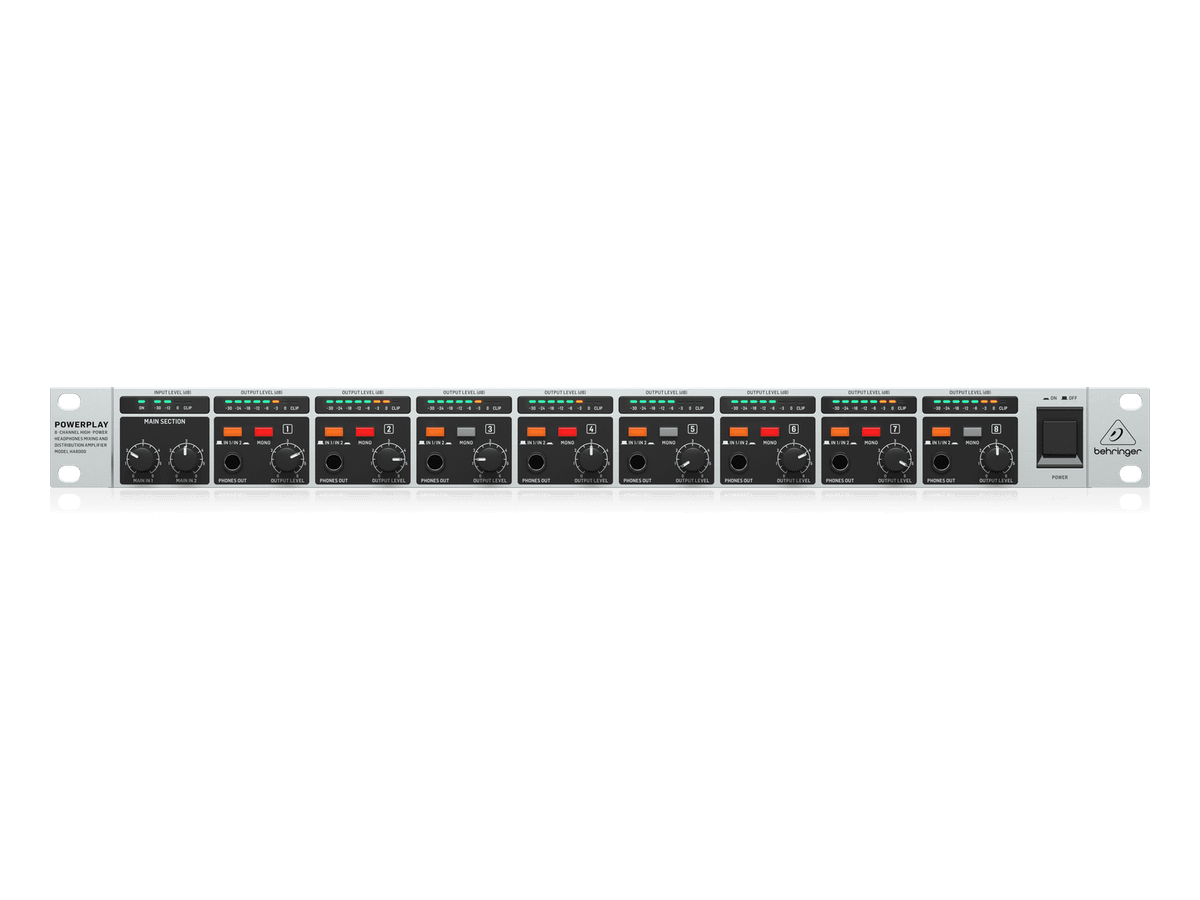
After Logic Pro and UAD processing, playback returns to the X32 and leaves through the Main Out / Monitor Out path for the Yamaha HS7 speakers. Monitoring can also be split from aux sends to performer headphones through the Powerplay HA8000 or to monitor wedges when a room mix is needed.

Channel map

Use this list when patching the S16 inputs and X32 output buses. Keep channel numbers consistent so recording, IEM mixes, and speaker sends stay predictable.

Input channel list

ChannelSourceTools
1Drum LDI Box
2Drum RDI Box
3BassDirect XLR
4E. GuitarDirect XLR
5Acoustic Guitar 1DI Box
6Acoustic Guitar 2DI Box
7Yamaha KeysDI Box
8Juno KeysDI Box
9Condenser Mic 1XLR Cable
10Condenser Mic 2XLR Cable
11Condenser Mic 3XLR Cable
12Condenser Mic 4XLR Cable
13Dynamic Mic 1XLR Cable
14Dynamic Mic 2XLR Cable
15Dynamic Mic 3XLR Cable
16Dynamic Mic 4XLR Cable

Output channel list for the performance room

ChannelChannel nameTools
1IEM DrumBehringer HA8000
2IEM BassBehringer HA8000
3IEM GuitarBehringer HA8000
4IEM KeysBehringer HA8000
5Monitor 1Mackie Thump 12A
6Monitor 2Mackie Thump 12A
7Main Speaker LMackie Thump 15A
8Main Speaker RMackie Thump 15A